Browser extension
Install the SiteChime extension
Use Browser mode to monitor pages only your browser can see.
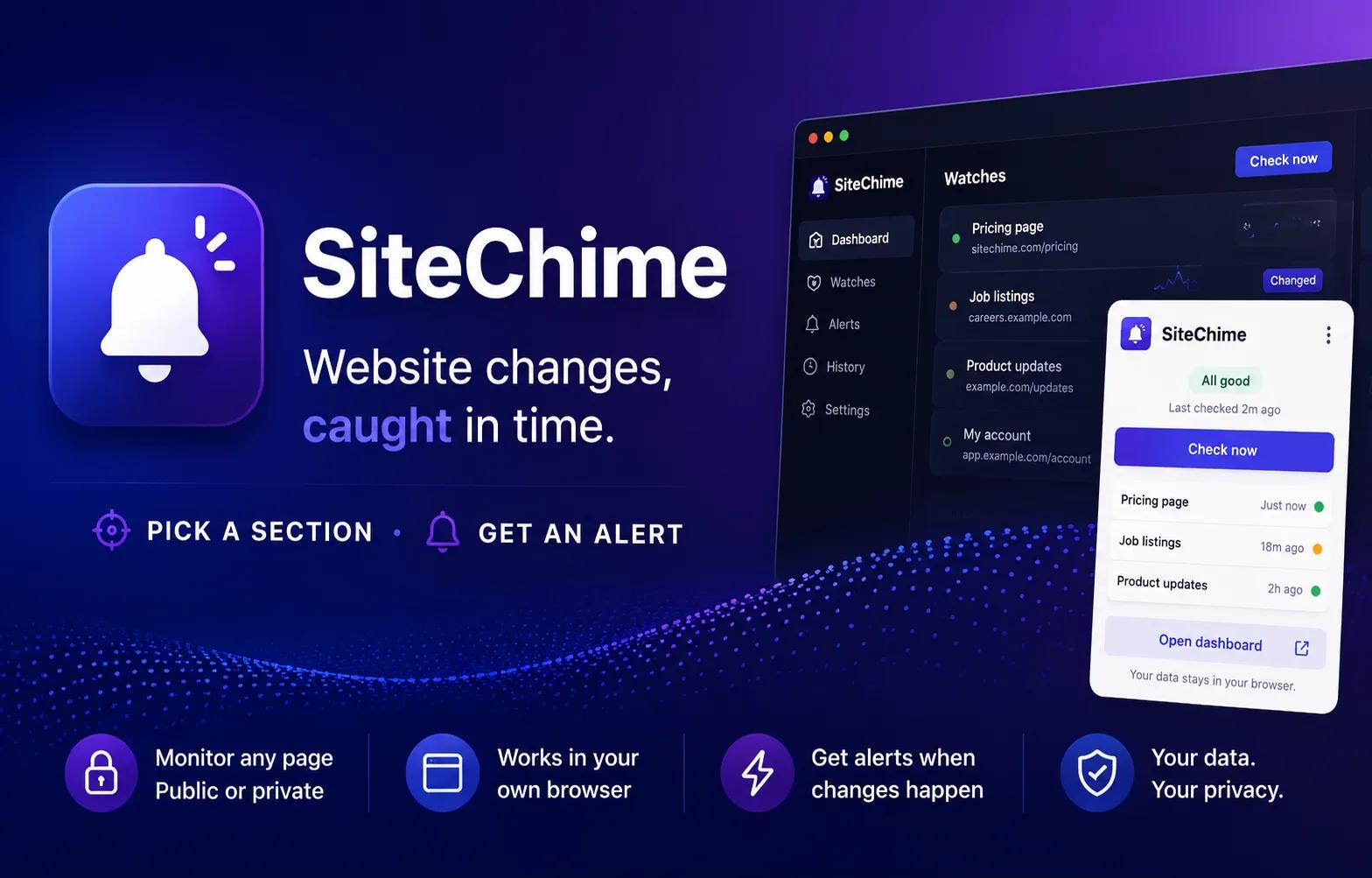
Cloud watches run from SiteChime’s servers. Browser watches run from your own browser, so they can monitor logged-in pages without storing your credentials.
Why Browser mode?
Cloud mode covers public pages. Browser mode covers everything else — anything tied to your own session.
Logged-in pages, watched
Dashboards, account portals, paywalled articles, internal tools.
Credentials stay local
No passwords, cookies, or 2FA codes leave your browser. Ever.
Your real session
Pages render exactly as you see them — including A/B tests and personalisation.
Your passwords stay in your browser
SiteChime monitors what your browser can see — we never store your credentials, session cookies, or two-factor codes. The extension reads page content from your active session and uploads only the cleaned text snapshot.
Cloud or Browser mode?
Both run alongside each other. Pick the right mode per watch when you add it.
Cloud mode
- Best for public pages: news, pricing, status, jobs
- Checked from SiteChime servers on your schedule
- Works while your computer is off
Browser mode
- Best for logged-in, paywalled, or personalised pages
- Runs from your browser using your existing session
- Credentials never leave your machine
Chrome Web Store install
AvailableOne click to install. Updates roll out automatically — no manual reinstall needed.
Prefer manual install?
You can still load SiteChime as an unpacked extension — useful for early access to development builds.
- 2
Unzip the file
Right-click the ZIP and choose Extract All. Remember where the unzipped folder lives. - 3
Open your extensions page
In Chrome, Brave, Edge, or Arc visitchrome://extensions. - 4
Enable Developer mode
Toggle Developer mode on (top-right of the extensions page), then click Load unpacked and select the unzipped folder. - 5
Sign in and start a Browser watch
Open your dashboard in the same browser profile, then add a watch in Browser mode.
A few things to know before installing
- Only install SiteChime from the Chrome Web Store or sitechime.com. If you see this extension hosted anywhere else, it is not us.
- Your passwords stay in your browser. SiteChime monitors only the page sections you explicitly choose with the visual picker. We never see your login credentials. Read our privacy policy.
- You don’t need to keep the watched tab open. The extension uses your Chrome profile’s existing session and opens each check in a short-lived background tab on its schedule. If a watched site later looks like it needs you to sign in again, SiteChime marks the watch “Sign in required” with an “Open page to sign in” prompt instead of sending a misleading change alert — so you can re-authenticate in your normal browser and the watch resumes.
- Store installs update automatically. Installing from the Chrome Web Store means you always get the latest version with no manual re-downloads. If you previously loaded the ZIP manually, you can remove it and switch to the store install.